




Adding an image to a topic/reply
« Back To Roofers Talk
Webmaster Steve
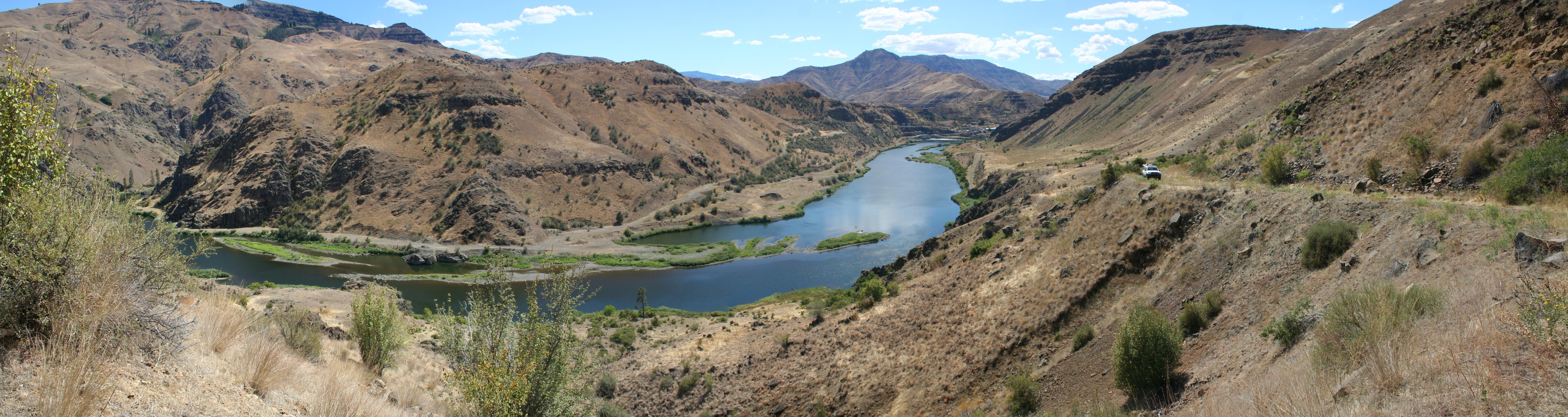
I have not had time to do a video but you can try this
1. Paste the url for the image into the comment field
 2. Then hight lite the url text
 3. Then click the Image button on the left
 4. And you will get this

you can remove the width=100 or set it to a bigger number
Then just save the topic/reply
>>>

jfreynik

The image url was outside the tag>>>
jfreynik
http://www.rooferscoffeeshop.com/show_album_photo.asp?userid=69&albumid=320&file=3420&s=65[/img]>>>
CIAK
Copperman You got the hic ups or do you studder???? B)>>>
Webmaster Steve
Copperman you are trying to use the url to the page not the image
when you go to that page click the get url button and that is what you paste in here
this is the image url http://www.rooferscoffeeshop.com/images/photo_albums/69/320/DSCN0888.JPG
This is the url to the page that shows that image
http://www.rooferscoffeeshop.com/show_album_photo.asp?userid=69&albumid=320&file=3420&s=65
If you want to send them to the page click the URL button instead of the Image button
http://www.rooferscoffeeshop.com/show_album_photo.asp?userid=69&albumid=320&file=3420&s=65>>>
jfreynik
Webmaster Steve
Now click the edit button on your last post high lite the url and click the image button
THATS STILL THE WEBPAGE URL FOR YOUR PHOTO ALBUM
click the edit button on your post below this one and see what the image tag I added looks like
This is as bad as trying to teach my wife how to open windows explorer>>>
jfreynik
sorry Steve sitting on a copper roof when the temp is 100 and humidity is 100% tends to fry a few brain cells. I'm trying to get it but I'm not up on all the comput lingo.>>>
jfreynik
I tried again and nothing showed up. when I go back to edit it's there????????>>>
jfreynik
 >>>
>>>
jfreynik
 >>>
>>>
jfreynik
 >>>
>>>
jfreynik
I think I'm getting it>>>
CIAK
I gotta try this ,
 >>>
>>>
CIAK
One more time
 >>>
>>>
jfreynik
 >>>
>>>

User Access