


TO WEBMASTER STEVE
« Back To Roofers Talk
Robby the Roofer
I SEE THAT YOUR HERE...HAVING TROUBLE POSTING MY PIC, CARE TO TRAIN ME, PLEASE?
[img width=458 /]http://www.rooferscoffeeshop.com/images/photo_albums/2/775/jordyn_with_dogs.bmpimg]
Click the edit button on this post and look at the image tag
basicall you just click the Add Image link and replace the "http://your image url" with the image url you are trying to post>>>
Webmaster Steve
Sorry I missed you :blush:>>>
Robby the Roofer
:blink: Still not getting it...im used to copy and paste, of course it will not allow me to do so. Do I need to have a photo album set up? I do not see one for my screen name and havn't been able to make a file.>>>
Webmaster Steve
there is no url path to that image just an image name>>>
Robby the Roofer
what is an "url"....I have windows vista does that creat problems?>>>
Webmaster Steve
http://www.rooferscoffeeshop.com/images/photo_albums/2/775/jordyn_with_dogs.bmp
is the url (website path to an image file on the internet) for the image I put in your post>>>

The Roofing God
we have a topic here from robby,that we can`t open>>>
Pot Gregory
Hay Steve, I noticed that the make bold or make italic doesn't work either. Your text hereYour text here>>>
Pot Gregory
hello testingYour text here>>>
Pot Gregory
never mind , I figered it out. never mind I figered it out
I am used to highlighting it and clicking the ilalic button on the other site>>>

wywoody
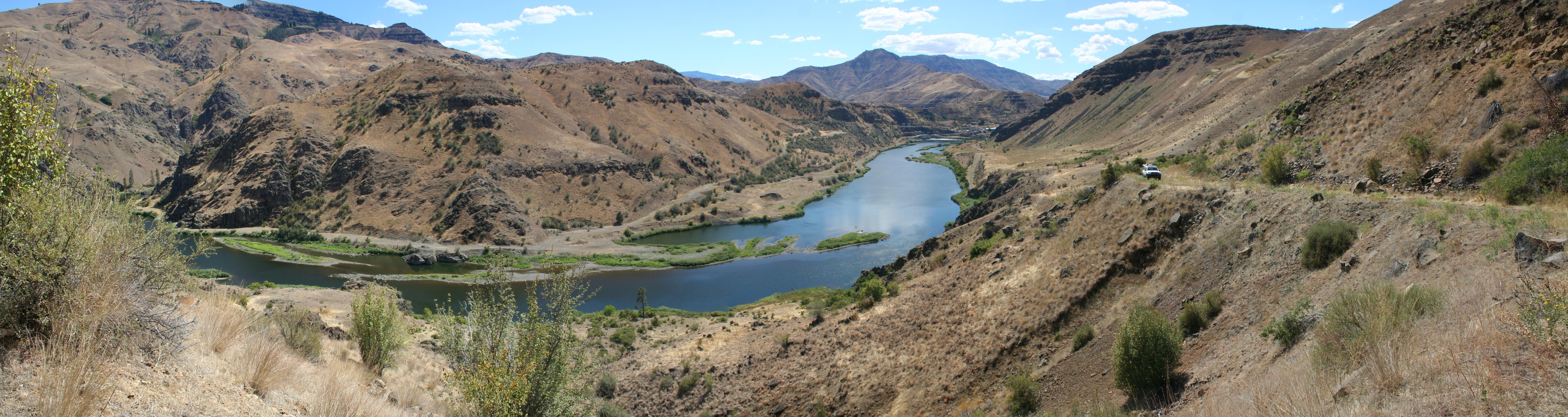
 >>>
>>>
Webmaster Steve
I am working on bringing back the photo album upload section give me some time.>>>
The FNRUFR
I wood like to ascend verses descend ifin it aint to much a pain in the a$$ :S>>>
egg
Wow, woody, that sky looks to be going about a hundred miles an hour.>>>
Webmaster Steve
FNRUFR are you talking about
Replies: Sort By Date Posted Asc Sort By Date Posted Desc >>>
Patty Cakes
Hi Steve,
Reading through several posts......I am only getting the first few sentences. Content is cut off mid sentence.
What to do?>>>

User Access